Escape from Tarkov ESP for PMCs, Scavs & loot
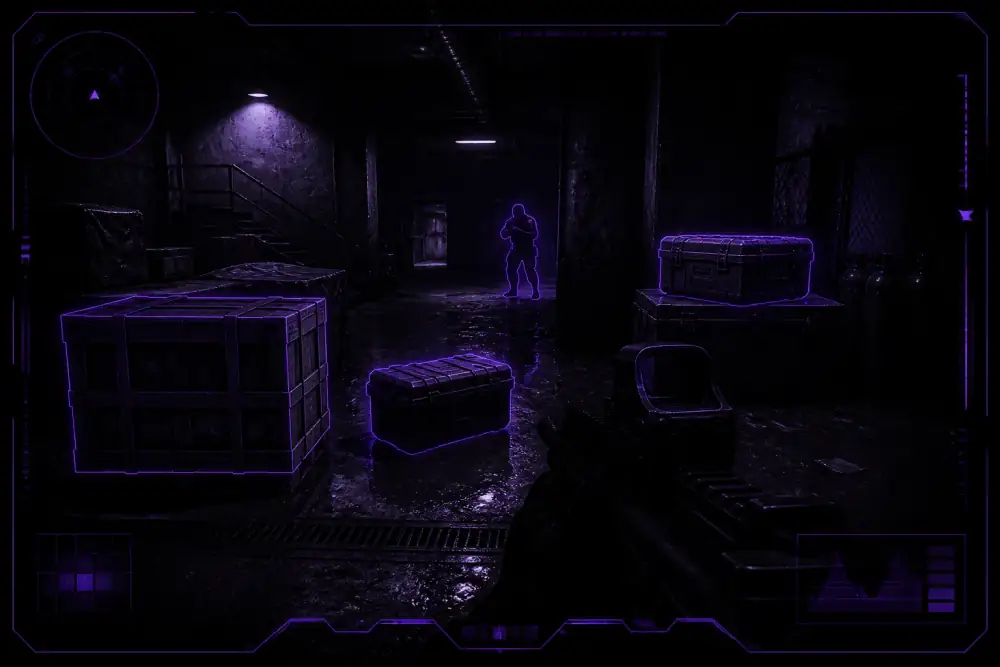
ESP focuses on player outlines, skeleton overlays, distance readouts, loot rarity colors, container markers, and extraction cues so you can plan routes without guessing from incomplete screen info.
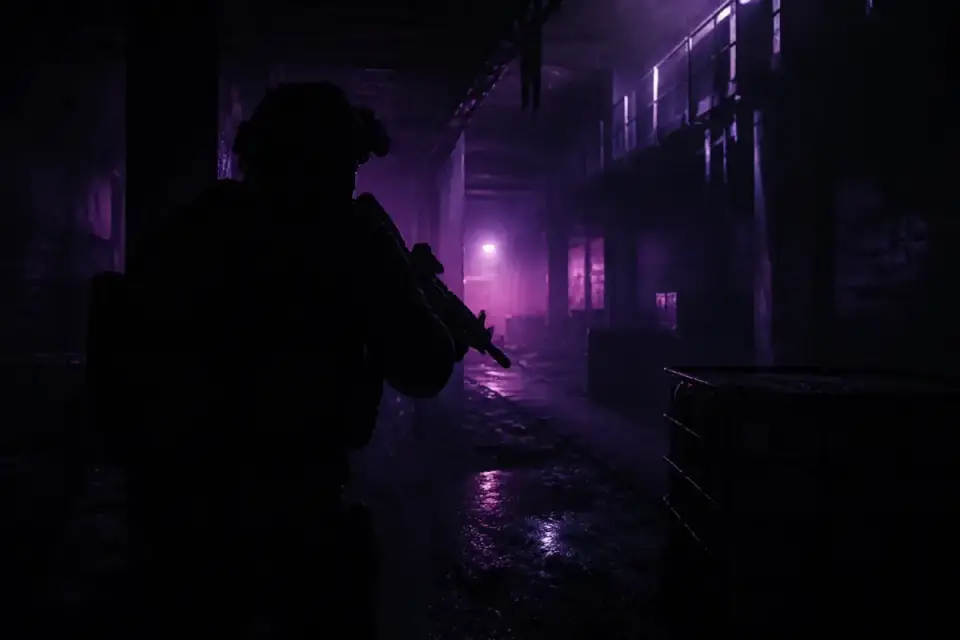
Buy Escape from Tarkov cheats and Tarkov hacks for Windows PC — player ESP, skeleton overlays, player chams, loot ESP, container markers, and optional Cloud DMA / AWS paths.
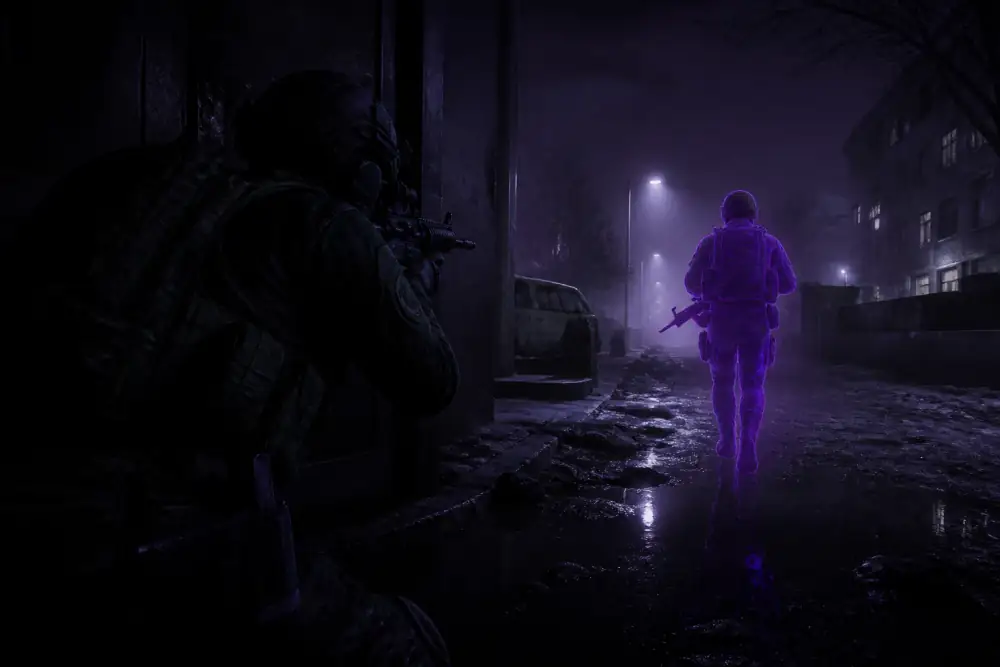 Tarkov Preview
 Escape from Tarkov cheats and Tarkov hacks for Windows PC with player ESP, skeleton overlays, player chams, loot ESP, container markers, extraction awareness, optional combat helpers, and Cloud DMA / AWS paths for raid-focused operators. Use this homepage to compare Tarkov ESP overlays, player chams, loot markers, monthly vs lifetime licenses, and where to check status after Escape from Tarkov patches.
Escape from Tarkov rewards operators who read the map before they fight. PMC pressure, Scav chaos, dark interiors, and contested extracts punish incomplete information. Escape from Tarkov cheats and Tarkov hacks on tarkovhack.net focus on that loop: readable player ESP, skeleton cues, player chams, loot ESP, container markers, extraction awareness, and optional combat helpers for Windows PC.
Players shopping to buy Tarkov cheats usually want clear answers: what Escape from Tarkov ESP shows, how player chams behave through clutter, whether loot and container filters stay useful mid-raid, and which license length fits their wipe schedule. The sections below cover those points, then link to ESP, aim tools, features, buy pages, pricing, FAQ, and the blog.
ESP focuses on player outlines, skeleton overlays, distance readouts, loot rarity colors, container markers, and extraction cues so you can plan routes without guessing from incomplete screen info.
Player chams, health-linked silhouettes, distance-limited aim assistance, no-recoil toggles, and stream-proof options for mid-raid fights — review them before you buy Escape from Tarkov hacks.
The features page groups ESP, chams, loot tools, combat helpers, and Cloud DMA / AWS options in one checklist built specifically for Escape from Tarkov.
The buy landing explains package intent, plan lengths, and how BUY CHEATS / GET ACCESS buttons open the Escape from Tarkov product checkout for Tarkov hacks access.
This package is sold for Escape from Tarkov on Windows PC. Tarkov ESP helps you spot PMCs, Scavs, loot, containers, and extraction points. Player chams and combat helpers add silhouette clarity and optional aiming support. General options include in-client toggles, Cloud DMA / AWS paths, monthly and lifetime plans, patch notices, and support.
Compare durations on the Escape from Tarkov Cheats pricing page or the commercial buy Tarkov cheats landing. Browse the Tarkov hacks hub for keyword-focused research, then watch Tarkov cheat update notices after game patches. Policy details live in the refund, privacy, and terms pages in the footer.
Start with the raid jobs you care about most. If threat awareness and loot routing come first, open the Escape from Tarkov ESP page and confirm player, loot, container, and extraction overlays. If silhouette clarity and mid-fight helpers matter more, review player chams and aim tools. Most operators check both, then use the feature list before choosing monthly or lifetime access.
Delivery is digital after payment confirmation. After purchase, follow the setup guide, watch the Updates page for maintenance notes tied to Escape from Tarkov patches, and contact support if license delivery needs clarification. Platforms supported today: Windows PC. Market availability: Worldwide.
Every page on this site is scoped to Escape from Tarkov cheats and Tarkov hacks: ESP explains visibility tools, the aimbot page covers aim tools and chams, Features summarizes the package, Pricing compares plan lengths, Buy completes checkout, Setup walks through install, FAQ answers purchase questions, Blog guides go deeper on ESP, chams, and DMA, and Support is the contact path when you need a human reply.
Popular starting guides: ESP guide, how to buy, beginners, and hacks vs cheats.
Use the BUY CHEATS buttons on tarkovhack.net. They open the Escape from Tarkov product checkout so you can buy Tarkov cheats, buy Tarkov hacks, or buy Escape from Tarkov hacks from the same purchase path.
Players use Tarkov cheats and Tarkov hacks interchangeably. On this site both refer to Escape from Tarkov tools such as ESP, player chams, loot display, container ESP, combat helpers, and Cloud DMA options.
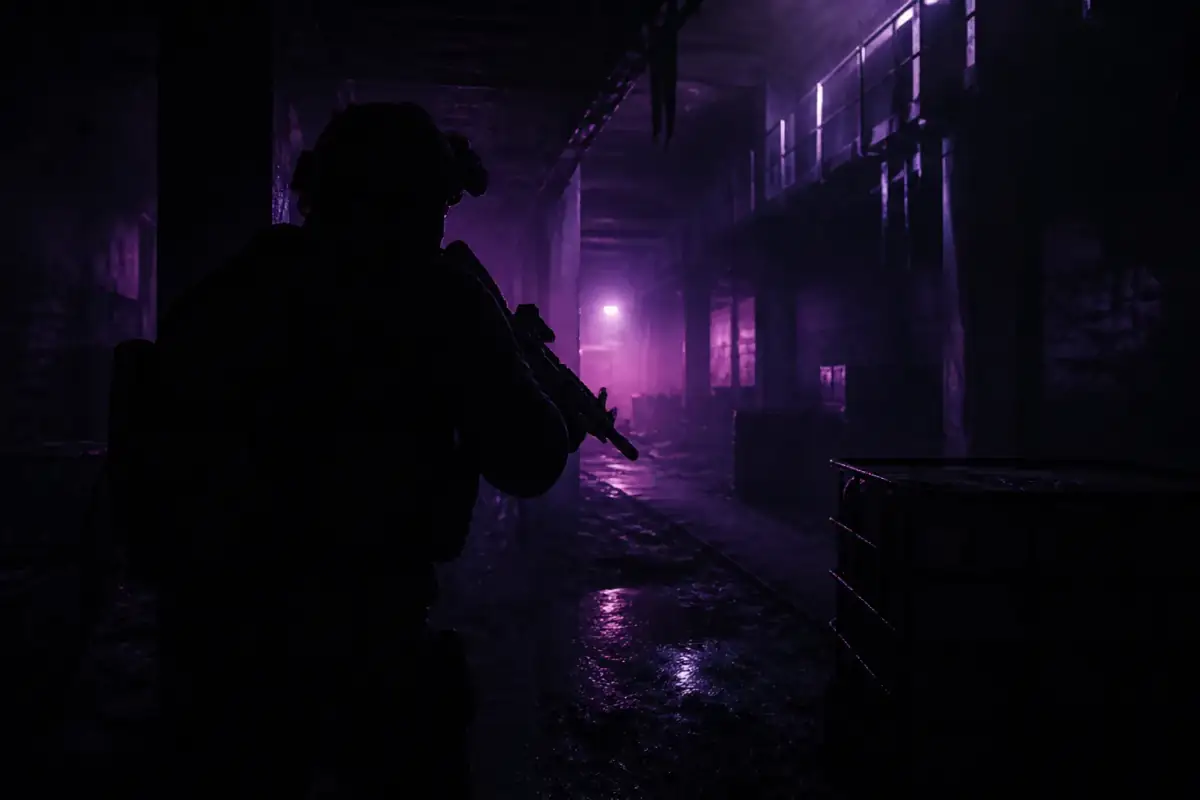
Player ESP can show nearby PMCs and Scavs with skeleton overlays, distance readouts, and health-related indicators. Configs can also surface extraction points, loot highlights, and container markers.
Player chams render operators with a color-filled or outlined silhouette that stays readable through clutter and low-light angles, with optional health-linked color cues.
Cloud DMA is a remote DMA-style path for players who want less local dual-PC hardware. The AWS option refers to cloud hosting choices used with that remote workflow when latency and uptime matter.
Visual and compatibility modules are reviewed after patches. Check the Updates page before running expensive kits on a fresh wipe client, and treat status as version-dependent rather than permanent.
More answers are on the full Tarkov cheats FAQ, plus the setup guide. Policy details are in refund policy, privacy policy, and terms of use.
Pass this page along if someone else is comparing Tarkov ESP, player chams, and Tarkov hacks options for Escape from Tarkov.
Escape from Tarkov Cheats
Raid visuals for Tarkov ESP, player chams, loot markers, and extraction awareness — paired with the cheat tools that help operators stay aware in Escape from Tarkov.
Escape from Tarkov Cheats is built for the raid loop: read the map, sort threats, grab high-value loot, and extract before rival operators close in.
Spot PMCs and Scavs with skeleton overlays and distance cues so you can choose fights and extraction routes with better intel.
Highlight rare items, med cases, weapon boxes, and priority storage without flooding the HUD mid-raid.
Color-coded silhouettes, optional aim assistance, and stream-proof toggles for operators who need clearer mid-fight reads.