Current baseline — 2026-08-11
Product pages for Escape from Tarkov Cheats are live on tarkovhack.net: Tarkov ESP, aimbot & chams, features, pricing, buy landing, Tarkov hacks hub, setup, FAQ, blog guides, and support. Treat module behavior as version-dependent after every Escape from Tarkov client update.
- Status: Information and purchase paths published for Escape from Tarkov
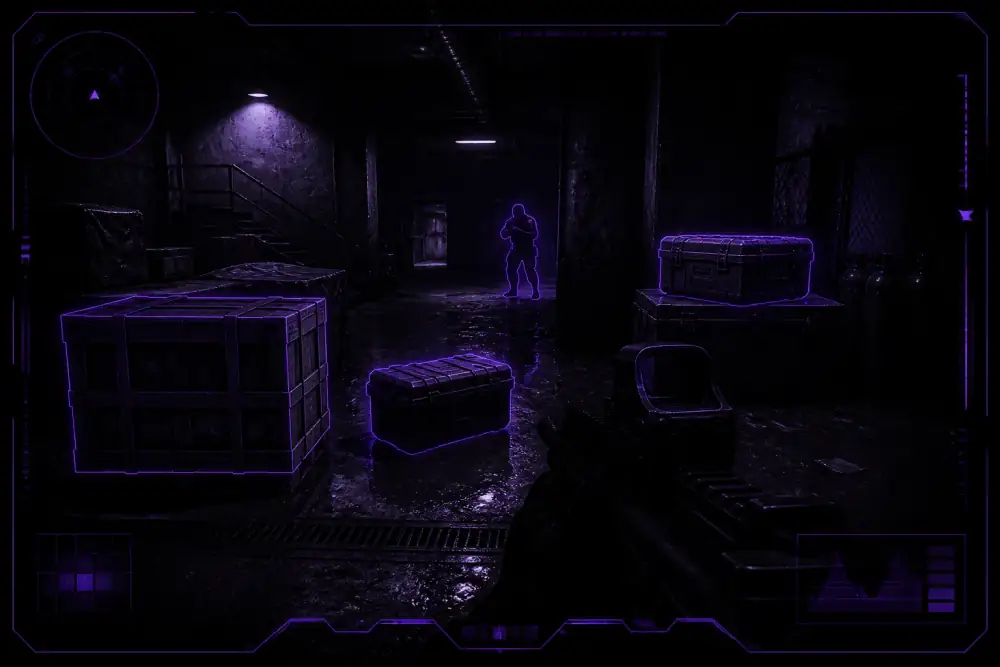
- Monitored modules: player ESP, loot/container ESP, player chams, aim helpers, stream-proof toggles
- Action: Read setup after delivery; contact support if a fresh patch breaks launch or overlays
What we watch after Escape from Tarkov patches
When Battlestate ships a client update, Escape from Tarkov Cheats modules can need a rebuild. This log is for status clarity — not marketing fluff. We track:
- Player ESP with skeleton overlay for PMC and Scav awareness
- Scav and PMC identification for faster threat sorting
- Extraction point ESP for late-raid route decisions
- Player chams with color-coded models and custom colors
- Health indicators layered onto silhouettes
- Wall penetration visibility for dark interiors and clutter
- Cloud DMA / AWS path notes when a patch changes remote workflow expectations
Deep dive on the update process: how Tarkov cheats updates work and safety and updates.
Post-patch checklist before you queue
- Confirm your Escape from Tarkov client version matches the build notes you received after purchase.
- Re-open the setup guide if the launcher or inject path changed.
- Test ESP and chams in a low-risk scav raid before committing an expensive PMC kit.
- If overlays fail or the client refuses launch, email support@tarkovhack.net with your plan length and patch date.
How new status entries will look
Future notes will be dated above the baseline with three fields: status (online / maintenance / investigating), affected modules, and the action you should take. Until a new Escape from Tarkov patch needs a public note, the baseline above is the live reference.